

How to maintain your Yamaha motorcycle
12/10/2026
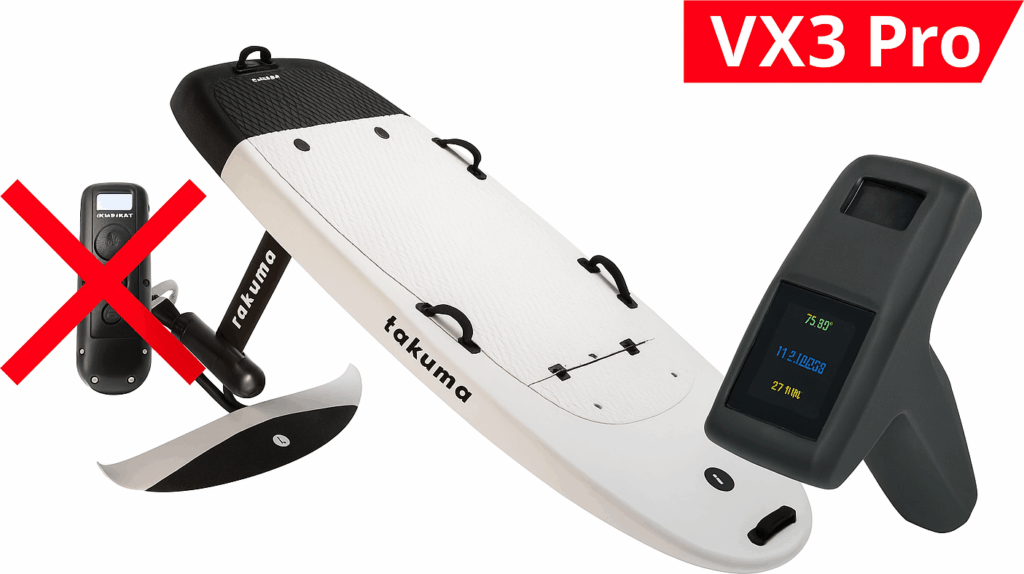
Installing a Flipsky VX3 Pro remote on a Takuma e-foil (with battery display)
Field report – Tested on a Takuma Cruising 2 – With the VX3 Pro I finally have a screen that shows battery voltage.

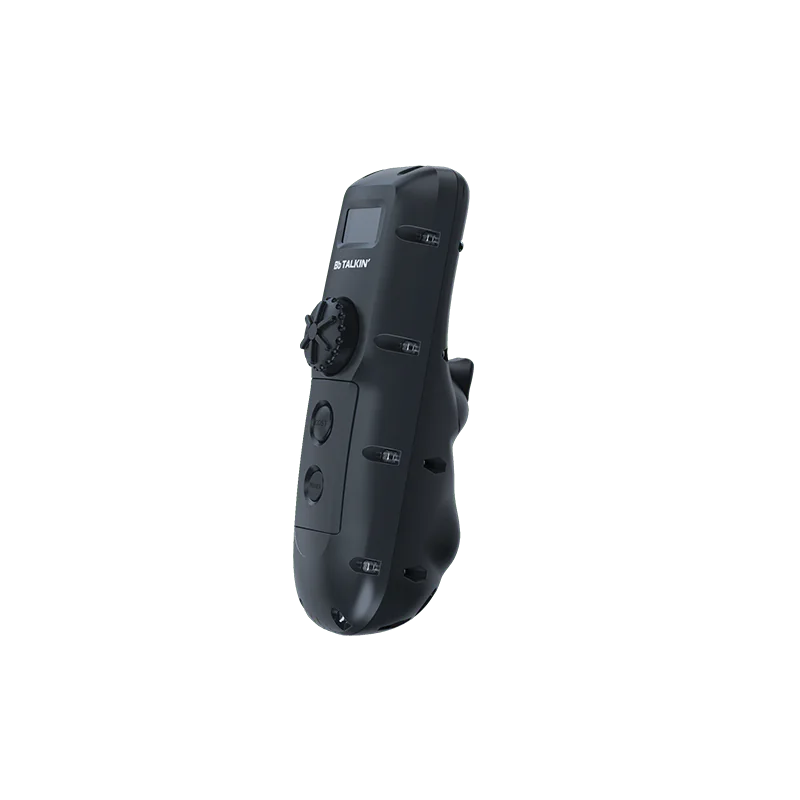
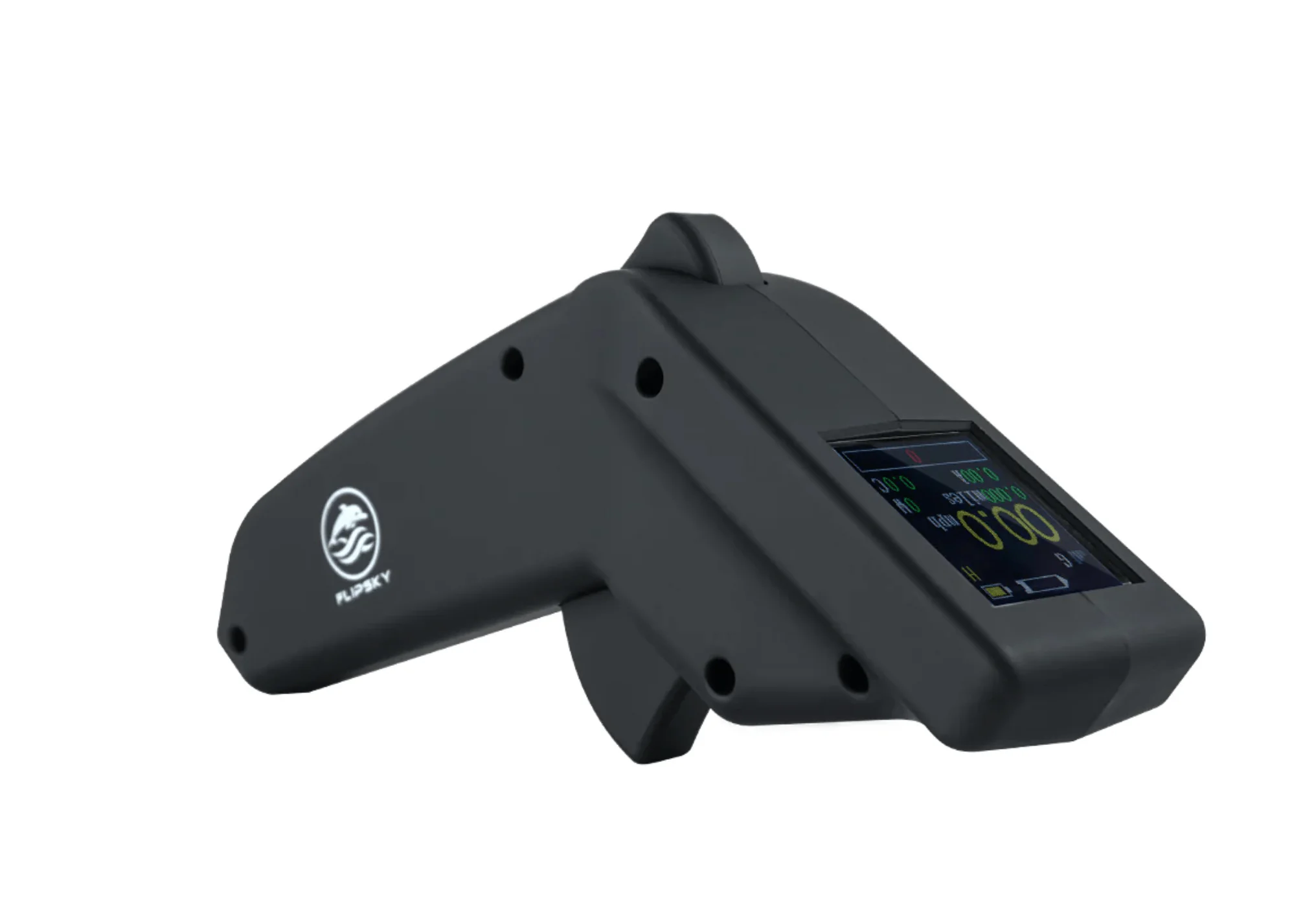
See the product here: FPVStoreRC – VX3 Pro.
- The VX3 Pro receiver from FPVStoreRC accepts a
VBATinput (0-5 V) that lets you display battery voltage. - Wiring VBAT → battery + and GND → battery − (common ground) is all it takes for the display.
- For safety: add a 100-250 mA fuse or a resistive divider.
🎯 Why I made the switch
The Takuma V2 remote quickly frustrated me: limited display, no real battery info, poor readability in full sun.
One day the screen froze about 400 m from shore → a worried paddle back to the beach.
I wanted to see the real voltage of my 12S pack. The Flipsky VX3 Pro (waterproof model available from FPVStoreRC) seemed ideal.
🔍 Problems I had with the Takuma V2
- Unstable connection whenever everything is wet (splashes, rain).
- Average waterproofing → fogging, likely corrosion.
- No voltage info → no visibility on remaining range.
- Poor readability in full sun.
- Support / spare parts hard to find → many riders consider switching to a more standard remote like the VX3 Pro.
🗣️ Other riders’ feedback
I am not alone. Here is what I heard on the forums:
“I did the conversion on my Takuma. The PWM signal is recognised, and with the VX3 Pro I finally get clear voltage info.”
— Rider on foil.zone (“Takuma to Flipsky remote conversion”)
“My Takuma remote stopped connecting. I ended up switching to a VX3 Pro, far more reliable.”
— Discussion “Takuma foil not working” on foil.zone
“With the VX3 Pro it works, but you have to wire the VBAT properly otherwise the telemetry breaks.”
— Takuma → Flipsky conversion, foil.zone
“Nowadays finding a Takuma V2 is a nightmare. Luckily you can order the VX3 Pro from FPVStoreRC and other reliable shops.”
— Summary of several threads on e-surfer & foil.zone
📦 Hardware used
- Flipsky VX3 Pro + receiver.
- 12S Li-ion e-foil battery (≈ 44–58.8 V).
- Two wires (VBAT and GND), heat-shrink tubing, zip ties.
- Safety option: fast 100-250 mA fuse.
- Advanced option: 910 kΩ / 47 kΩ resistive divider + 100 nF capacitor.
- Multimeter + sealing silicone.


⚡ Simple principle
Connect VBAT → battery + and GND → battery −.
A fuse in series on VBAT for safety.
Option: divider + capacitor for a more stable display.
🔧 Wiring diagram
🧭 Practical steps
- Cut the power; work dry.
- Identify
VBATandGNDon the VX3 Pro receiver. - Wire battery + → fuse → VBAT; battery − → GND.
- Insulate with heat-shrink tubing + silicone.
- Configure the VX3 Pro (12S, alarm around ~42-43 V).
- Test with a multimeter before going on the water.
🧪 Quick troubleshooting
- No display: check that GND is properly connected.
- Unstable display: add a 100 nF capacitor.
- Nonsense voltage: blown fuse, reversed polarity, or badly wired divider.
🗣️ My feeling after several sessions
With the Flipsky VX3 Pro, I can see much better what is left in the battery. Real peace of mind gained. The trigger is smooth, the screen readable.
In salt water: rinse + dry – it makes a real difference. The fuse saves me from surprises.
✅ What I would do again
- Use a fuse on VBAT
- Seal right from the build
- Add a capacitor to stabilise
🔗 Useful resources
- Flipsky VX3 Pro – FPVStoreRC
- Datasheets / forums (foil.zone, e-surfer)